HPE Aruba Networking Tips

  • AOS-CX CLI Commands (2)

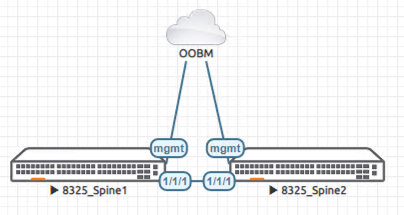
    Continuing from the previous post, I would like to cover some more in-depth content this time. We will look at the commands needed to configure the functions required for actual network operations in the field. VLAN Configuration: The method for creating and configuring VLANs and VLAN interfaces in AOS-CX is as follows. While it is possible to configure a single VLAN, using the Range command allows you to easily create and assign multiple VLANs…

  • AOS-CX CLI Commands (1)

    HPE Aruba Networking's wired mainstream is the AOS-CX switch. It is a product that goes beyond traditional switching capabilities to pursue cloud-native capabilities through a microservices architecture. Not only can it monitor and analyze various metrics and logs in real-time through its internal database, but it also supports REST APIs for all switch functions, allowing for large-scale… via Ansible or Python.

  • Using the CX Mobile App

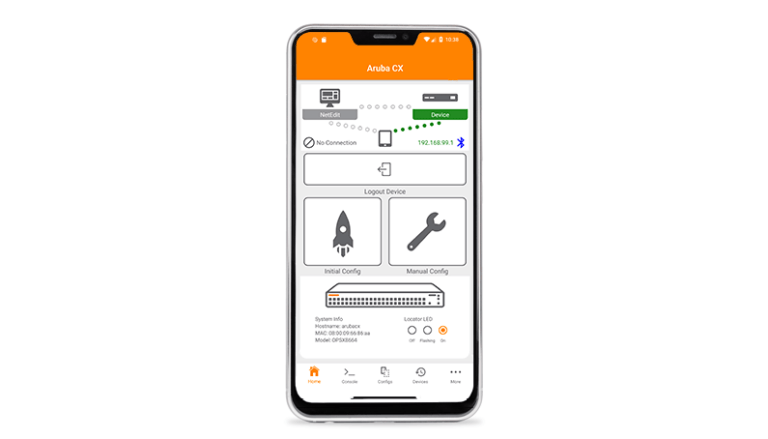
    The Aruba CX Mobile App is a tool for deploying and configuring ArubaOS-CX switches. You can connect via Wi-Fi or Bluetooth using an Apple iPhone or Android smartphone, without the need for a physical switch connection. These connected switches can be easily monitored, and configuration changes can also be made using workflows or templates. Not only a single switch, but…

  • Managing ArubaCX Switches with NetEdit

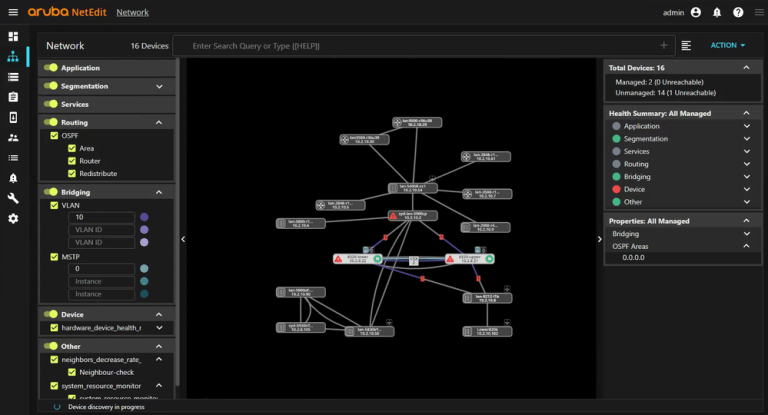
    Our networks are bound to grow. Existing networks expand, or we may split networks according to purpose or create new ones for new businesses. As networks grow in this way, maintenance becomes extremely difficult from an administrator's perspective. In particular, large-scale network changes require prior preparation, design, configuration, and verification at every single network device…

  • Setting up a simulator lab with EVE-NG

    To use the Aruba AOS-CX simulator, you first need to install an emulator such as EVE-NG. If you have not yet installed it, you can install it as a virtual machine using a hypervisor like VMware or Hyper-V. Please refer to the previous post for instructions on how to install it on Hyper-V. Once you have successfully installed EVE-NG, you now need to add an image to set up the virtual lab. In EVE-NG, Aruba products as shown below…

  • Installing EVE-NG on Hyper-V

    In the previous post, I introduced the AOS-CX simulator. The AOS-CX simulator can be run using emulators such as EVE-NG or GNS3. Today, I would like to look into the installation using EVE-NG. EVE-NG is a very powerful network virtualization emulator that offers the advantage of allowing you to use network equipment from various manufacturers just like actual devices. More detailed…

  • Explore the CX Switch with the AOS-CX Switch Simulator

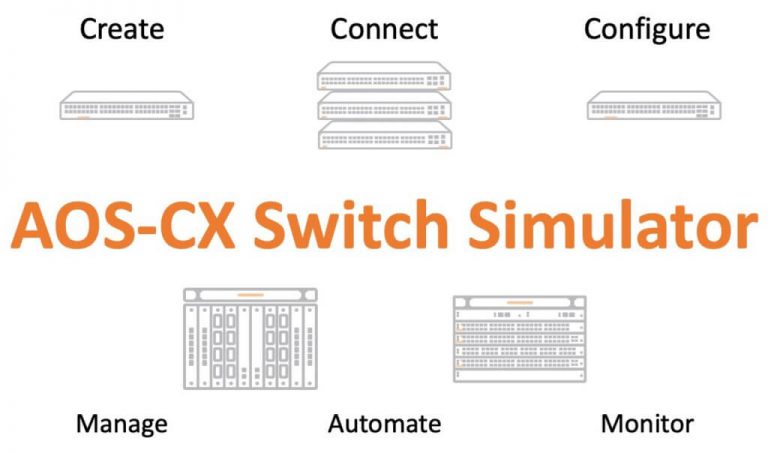
    Aruba has released the AOS-CX Switch Simulator. Today, I would like to take a look at this. Many people have asked why Aruba does not provide a simulator for training or hands-on experience. Although they did provide an OVA file, users had to find the necessary information, install it, and test it on their own without any guidance or instructions. The AOS-CX Switch is a next-generation cloud-native switch. Compared to existing legacy switches and operational…